Civic HorizonPublic information and enquiries

Find the department that can guide you.
Send an enquiry- 01Public enquiries
- 02Offices and opening hours
- 03Documents and public notices
01
Concept designInstitutions · Latin America


Bring services closer to your community
Before a call or a visit
People visiting an institutional website usually have a specific question: which office to approach, when they can visit or where to send an enquiry. Organising information around these questions helps them find answers without navigating an organisational chart.
Group information by people's needs and explain which department handles each subject. For each service, show the relevant office, opening hours, links to guidance documents and current contact details so people know what to check before calling or visiting.
Public service starts with knowing where to turn.
01 /Designed to inform and guide
Present institutional information in a clear order: start with the person's need, identify the relevant office, then provide the information and contact channel they need.
Find the department that can guide you.
Send an enquiryOrganise services around what people need to do or find out. Use clear sections for public enquiries, institutional information and public notices, and identify the department to contact for each subject.
Bring together each office's address, opening hours and contact details. Help people prepare for a visit and distinguish in-person services from remote enquiry channels.
Link to guidance documents and contact details for the relevant department. State what each document covers and show its publication or update date so people can judge whether it applies to their enquiry.
A design example with a concept brand. Its controls are illustrative; your website features depend on what you configure.
Create my institutional website02 /From information to publication
Create a first website with AI, then tailor it to your services, offices and enquiry channels before publishing.
Describe your institution, its responsibilities and the people it serves. Kolau generates a first website that you can review and organise around common enquiries.
Edit text, imagery and styling with the visual editor or voice instructions. Check department names, opening hours, documents and contact details.
Publish your reviewed information. Kolau's technology assists with SEO, helping search engines better understand the content about your services and offices.
Your team reviews the information and decides what to publish and when to update it.
Start for freeInstitutions. Media. Experiences.
Explore the partnerships, interviews and experiences behind the Digitalization Plan across Spanish-speaking Latin America.
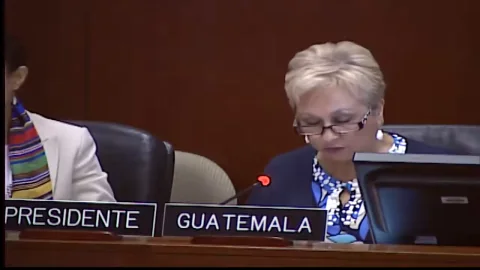
InternationalInstitutions
An address from Washington, D.C.
From 01:12:00

Costa RicaMedia
Teletica · Qué buena tarde

ColombiaInstitutions
Ministry of ICT · Introducing the plan

GuatemalaMedia
Guatevisión · Digitalization Plan
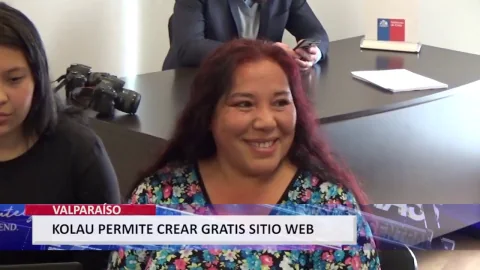
ChileInstitutions
Launching the OAS–Kolau Digitalization Plan
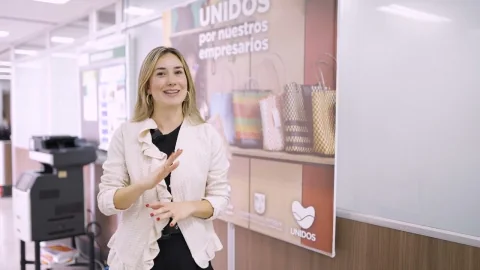
Colombia · AntioquiaResults
The program’s experience and results
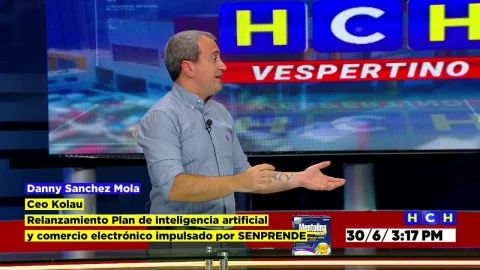
HondurasMedia
HCH · Noticiero Vespertino
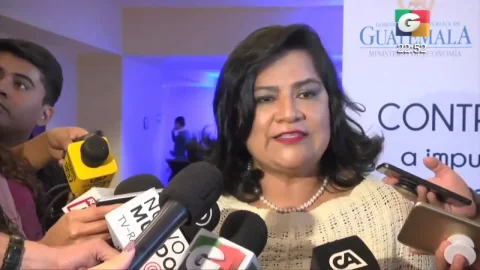
GuatemalaInstitutions
Launching the OAS–Kolau Digitalization Plan
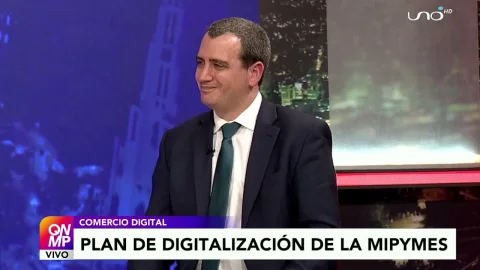
Bolivia · El AltoMedia
Red Uno · Que No Me Pierda
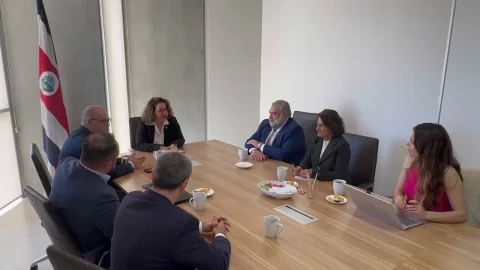
Costa RicaInstitutions
MEIC and the Embassy of Spain · Launching the plan

Mexico · SonoraMedia
Government of Sonora · Telemax TV

El SalvadorMedia
Government of El Salvador · Frente a Frente
Your idea could be next.
Start for freeYes. You can structure pages around residents' needs, then explain which department handles each subject. People can find the appropriate contact without having to understand your institution's internal structure.
You can give each office a section with its address, opening hours and contact channels. Use the editor to revise details when they change and clearly distinguish one office from another.
You can publish public notices and add links to documents and official sources. Group them by topic or department, explain who each notice is for, and include relevant dates and a contact for questions.
You can configure contact options and forms, and explain which subjects each department handles. Review the fields and instructions so you request only the details needed for an initial enquiry.
03 /Institutional partnerships
We work with the Organization of American States and Latin American governments to bring digitalization to small businesses. Here are some of our partnerships.
Explore the Digitalization Plangovernment entities joined the Digitalization Plan
























Born on the Koʻolau mountain.

Created with love.

Developed with love.
Create a website that helps people understand what to ask, where to go and who to contact.