Nexo CentreLearning support and speech therapy

A space to learn and express yourself
Request a first appointment- Name
- Email address
- Contact phone number
01
Concept designSpeech therapy · Latin America


Make room for learning from the first hello
Before the first consultation
People looking for help with communication or learning need to understand whom you support, what you offer and how to begin. Your website can explain those distinctions warmly, without confusing labels or promises about outcomes.
Introduce your team, their qualifications and your approach. Distinguish educational guidance, learning support and speech therapy, and specify the ages and appointment formats your practice actually offers so each visitor can find the information relevant to them.
Trust begins with understanding your work.
01 /Designs that offer direction
Organise your services, introduce your professionals and let visitors request information or a first appointment, without mistaking a request for a confirmed booking.
A space to learn and express yourself
Request a first appointmentExplain speech therapy, educational guidance and learning support separately. Show whom each service is for and what families can expect from their first contact.
Share names, photographs, qualifications and areas of practice. Help families get to know the people who will support them before they make an enquiry.
Display opening hours, appointment formats and contact options. Configure a simple appointment request form without asking visitors to submit sensitive clinical information on your website.
A design example with a concept brand. Its controls are illustrative; your website features depend on what you configure.
Create my practice website02 /From your expertise to your website
Create a first version, then review how your team, services and contact options are presented.
Share your specialties, the ages you support and your approach. AI creates an initial website for your practice.
Review the copy and personalise images and styling in the visual editor. You can also request changes by voice.
Check your services and contact details, publish your website and use SEO assistance technology to support your search presence.
You decide which services, professionals and contact options appear on your website.
Start for freeInstitutions. Media. Experiences.
Explore the partnerships, interviews and experiences behind the Digitalization Plan across Spanish-speaking Latin America.
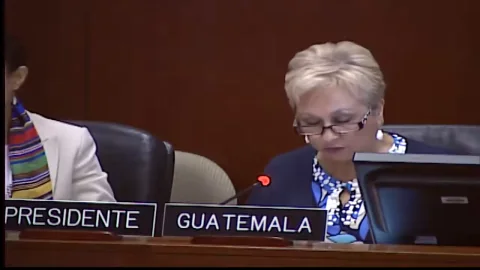
InternationalInstitutions
An address from Washington, D.C.
From 01:12:00

Costa RicaMedia
Teletica · Qué buena tarde
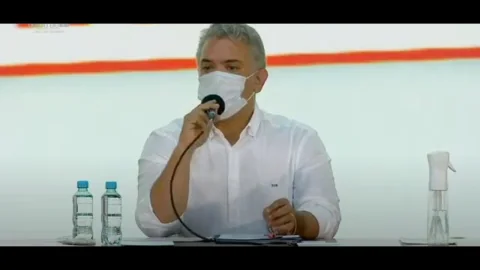
ColombiaInstitutions
Ministry of ICT · Introducing the plan

GuatemalaMedia
Guatevisión · Digitalization Plan
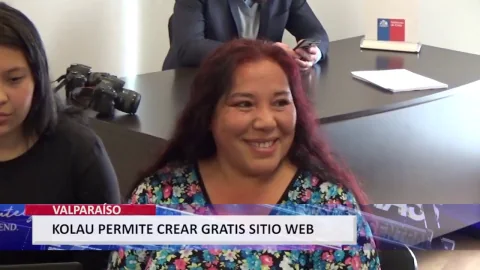
ChileInstitutions
Launching the OAS–Kolau Digitalization Plan
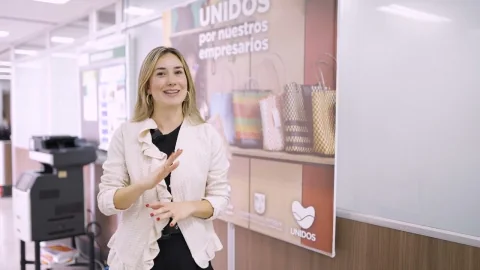
Colombia · AntioquiaResults
The program’s experience and results

HondurasMedia
HCH · Noticiero Vespertino
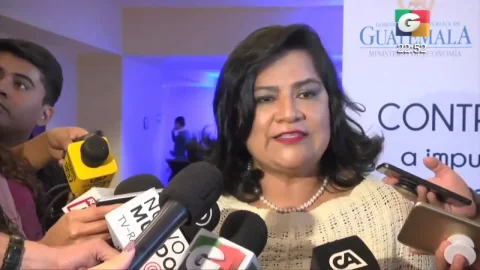
GuatemalaInstitutions
Launching the OAS–Kolau Digitalization Plan
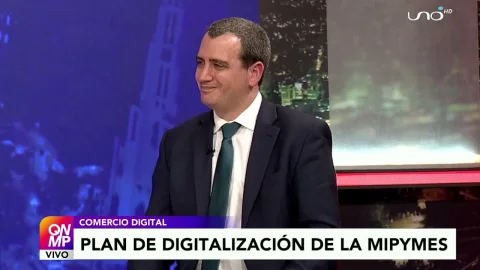
Bolivia · El AltoMedia
Red Uno · Que No Me Pierda
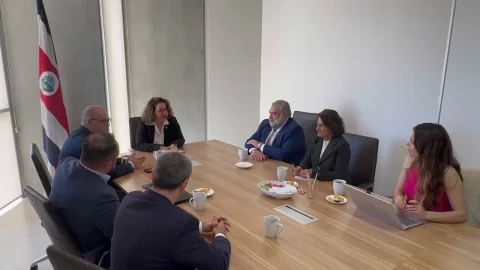
Costa RicaInstitutions
MEIC and the Embassy of Spain · Launching the plan
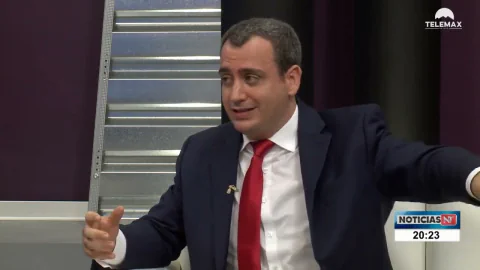
Mexico · SonoraMedia
Government of Sonora · Telemax TV
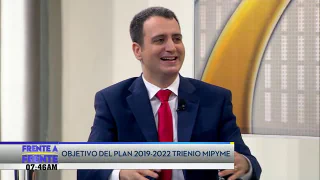
El SalvadorMedia
Government of El Salvador · Frente a Frente
Your idea could be next.
Start for freeYes. You can organise content for each specialty, describe your services and specify the ages you support. Families can understand your different areas of practice without having to interpret technical terminology.
You can configure contact options and a form to receive requests. Your practice reviews each enquiry and agrees on availability; submitting the form does not mean an appointment is confirmed.
For an initial enquiry, you can ask for a name, email address and phone number. Avoid requesting diagnoses, reports or other sensitive clinical information; discuss care details through your practice's appropriate channels.
Yes. The visual editor lets you change text, photographs and styling, including through voice instructions. Update professionals, services, opening hours and in-person or online options to reflect what your practice offers.
03 /Institutional partnerships
We work with the Organization of American States and Latin American governments to bring digitalization to small businesses. Here are some of our partnerships.
Explore the Digitalization Plangovernment entities joined the Digitalization Plan























Born on the Koʻolau mountain.

Created with love.

Developed with love.
Explain your work clearly and make that first contact easier.